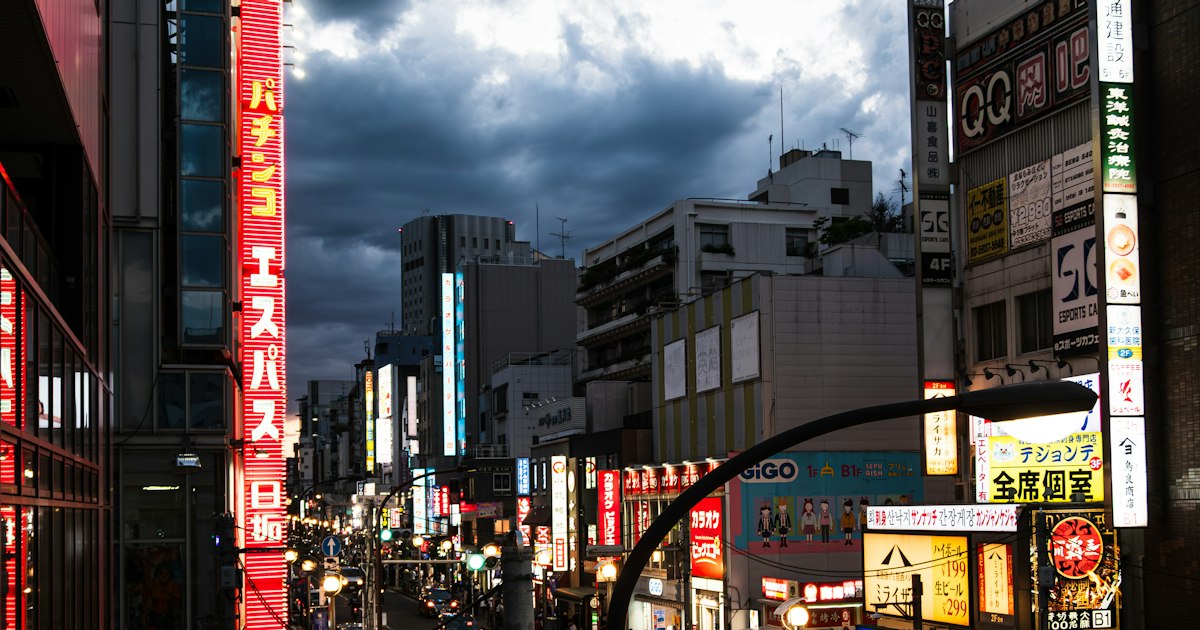
Photo by Sascha Albert on Unsplash
Nothing turns a jet-lagged arrival into a panic faster than watching your phone sit on “No Service” the moment you land at Narita or Kansai. Before you assume your SIM is defective or write off the eSIM you paid for, work through this checklist — most connectivity failures in Japan come down to a handful of fixable settings, not a bad card. Here’s what actually solves it, roughly in order of how often it’s the culprit.
Start With the Boring Stuff: APN, Airplane Mode, and Roaming
The single most common fix is also the most overlooked: data roaming is off, or the APN (Access Point Name) never loaded. Go to your phone’s cellular settings and confirm “Data Roaming” is switched on — iPhones in particular ship with this off by default, and it silently blocks data even with a valid SIM. Next, check that an APN profile actually installed. Most travel SIMs and eSIMs (Mobal, Sakura Mobile, IIJmio, Ubigi) push this automatically, but if yours didn’t, you’ll need to enter it manually — the carrier’s instruction sheet or confirmation email will list the exact APN string (for example, docomo-based MVNOs often use something like spmode.ne.jp or a provider-specific address).
Once both are confirmed, toggle Airplane Mode on for 15 seconds and back off. This forces the phone to re-register with the network and clears a surprising number of connection hangs. If you’re still at zero bars, restart the phone completely rather than just toggling settings — a full reboot re-reads the SIM and reloads the baseband firmware.
eSIM-Specific Fixes: Reinstall the Profile, Check Line Priority
eSIMs fail in their own particular ways. The most frequent issue is that the profile installed but was never set as the active line for data — on iPhone, go to Settings > Cellular and make sure the Japan eSIM (not your home line) is toggled on for “Cellular Data,” and that your home SIM’s data is switched off so the phone doesn’t keep trying to use (and get blocked by) expensive roaming.
On Android, check Settings > Network & Internet > SIMs and confirm the Japan eSIM is both enabled and selected for mobile data.
If the profile shows as installed but simply won’t connect, try deleting it and reinstalling from the original QR code or activation link — but check your provider’s terms first. Most eSIM providers (Airalo, Ubigi, Sakura Mobile) only allow one installation per QR code, so a second scan may fail with an “already used” error. If that happens, contact support rather than retrying repeatedly; most offer English-language chat support and can reissue a profile within the hour.
Physical SIM Problems: Tray, Orientation, and Hidden Carrier Locks
If you’re using a physical SIM, start with the obvious: eject the tray with the pin (included with most airport SIM purchases), confirm the chip is seated the right way up, and that you grabbed the correct size — nano-SIM is standard now, but some travel kits still ship with a punch-out card that needs the micro or standard size separated cleanly.
The less obvious culprit is a carrier lock on your own phone. Phones bought on contract in the US, UK, or elsewhere are sometimes still locked to the home carrier even after the contract ends, which blocks any foreign SIM regardless of settings. Check this before you leave — log into your home carrier’s account online and look for an “unlock status” page, or call them. Unlocking typically takes a few minutes if you’re eligible, but can take days if you need to wait out a contract clause, so don’t discover this in the SoftBank counter line.
When It’s the Network, Not Your Phone
Older or budget-tier phones sometimes lack the specific LTE bands Japanese carriers rely on in certain areas — band 19 is heavily used by au/KDDI, band 28 by SoftBank in rural zones. If you’ve got signal in Tokyo or Osaka but lose it entirely in the countryside (say, around Iriomote or Cape Erimo), this is often why — no setting will fix a missing radio band. Try manually switching your network mode between “5G/4G Auto” and “4G Only” in settings, since some phones handle the handoff between 5G and LTE poorly in mountainous or forested terrain.
Also check for a rogue VPN. If you have a work VPN or ad-blocking VPN app running, it can override the data APN entirely and block the connection — turn it off and test again before concluding the SIM is broken.
Backup Plans While You Troubleshoot
If you need connectivity now and can’t wait on support tickets, Japan’s airports have staffed counters for exactly this. At Narita (Terminals 1 and 2) and Haneda, SoftBank and docomo counters are typically open from around 6:30 or 7:00 AM to 9:00–10:00 PM, selling data-only SIMs on the spot — budget around ¥3,000–4,000 for a 7-day, 7–15GB plan. Kansai Airport has similar counters in the arrivals hall.
For a mid-trip fallback, Bic Camera and Yodobashi Camera stores in Shinjuku, Akihabara, and Osaka’s Namba district (generally open 10:00 AM–9:00 or 10:00 PM) stock prepaid SIMs and eSIMs off the shelf, no appointment needed. If you’re traveling with a group or need guaranteed unlimited data, renting a pocket WiFi device is the more reliable splurge option — around ¥8,000–10,000 for two weeks including a deposit, picked up at the airport counter or delivered to your hotel. And if your phone is completely dead and you need to make one urgent call, Japan’s old-fashioned payphones still work in a pinch — worth knowing where to find a koshu denwa phone booth before you actually need one.
Common Mistakes That Cause This in the First Place
- Buying a SIM for the wrong network type. Some ultra-cheap SIMs are data-only and won’t make calls or send SMS verification codes, which can strand you if an app needs phone verification to work.
- Activating the eSIM too early. Many eSIM plans start their validity clock from first network connection, not purchase date — installing it a week before departure “just to be safe” can burn days you don’t get back.
- Not checking the phone’s region lock. Phones bought in mainland China or sometimes Japan itself for the domestic market can have additional restrictions beyond a standard carrier lock.
- Assuming the problem will fix itself at the hotel. If you’re stuck without data in a dense area like Shinjuku or Shibuya, don’t try to fight it out during the evening crush — if you do need to walk to a carrier store for help, timing around the city’s peak congestion makes the whole errand faster; see our breakdown of Tokyo rush hour timing if you’re planning the trip for mid-morning or early afternoon instead.
Work through these steps in order and the vast majority of “my SIM won’t connect in Japan” problems resolve within fifteen minutes — no store visit required. If you’ve genuinely tried all of the above and still have nothing, that’s the point to contact your provider’s support line or head to a physical counter, rather than burning your first day in Japan staring at a settings menu.